Building My Smart Home — Series Hub
This is the navigation page for my Building My Smart Home series. Each article covers one topic in depth. They are written in order — but you can jump to any topic that is relevant to you.
What This Series Is About
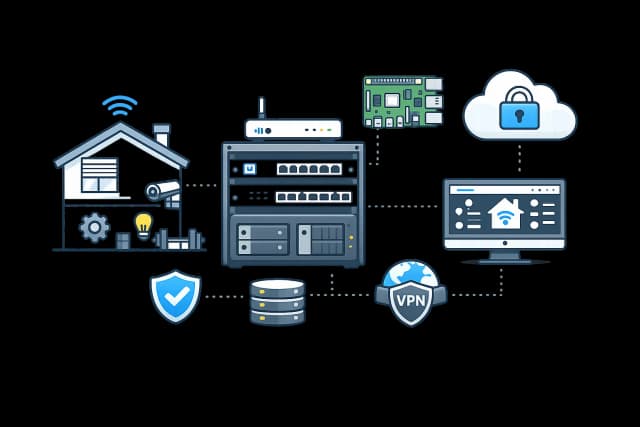
I built my home lab while constructing a new house. I wanted smart home control, clean networking, proper storage, cameras, a VPN, and a DNS server that blocked ads for every device on the network. This series documents everything I built, the decisions I made, what broke, and what I learned. The goal is not to give you a shopping list. It is to show you how to think about each problem and what the trade-offs actually are.
The Articles
How the Articles Connect
The series follows the logical order of building a home lab — physical first, then logical, then services, then access.
Building My Home Lab/
├── [1] Why Build a Home Lab        # Start here — overview of everything
├── [2] Cabling                     # Physical layer: Cat6, keystones, rack
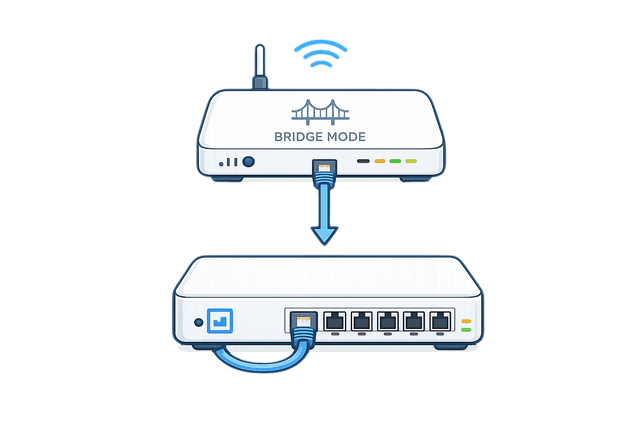
├── [3] Bridge Mode                 # WAN layer: ISP router, ONT, PPPoE
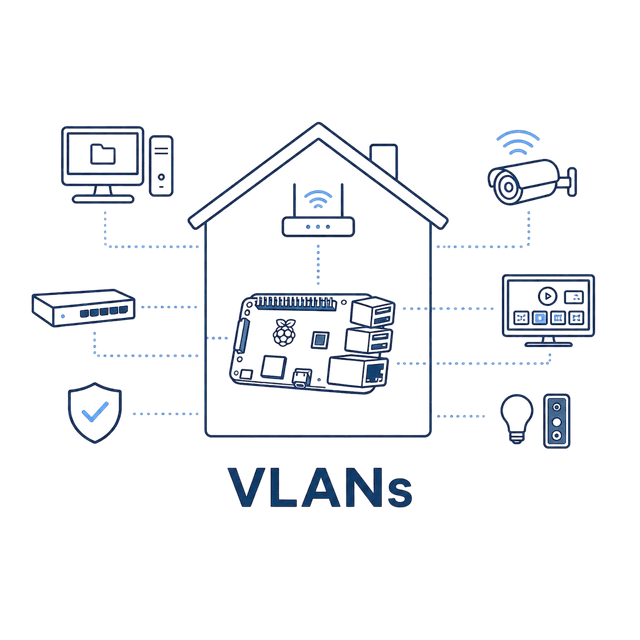
├── [4] VLANs                       # Network layer: isolation and firewall rules
├── [5] DNS                         # AdGuard Home running on Raspberry Pi 5
├── [6] NAS                         # TrueNAS storage and media streaming
├── [7] Cameras                     # Reolink NVR isolated on VLAN 40
├── [8] VPN                         # WireGuard for secure remote access
└── [9] Lessons Learned             # Read last — mistakes, trade-offs and takeaways
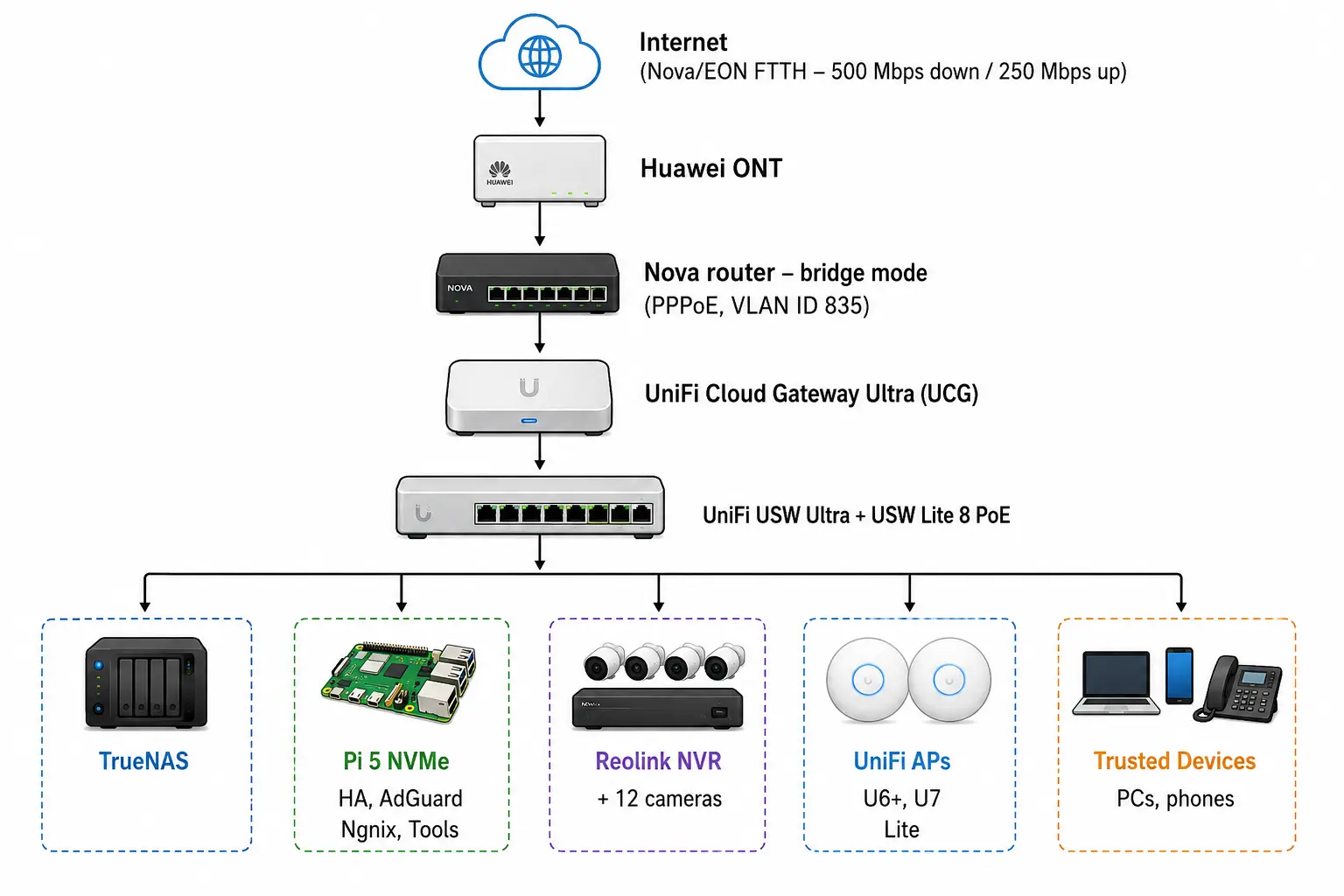
My Setup From 1000 Feet